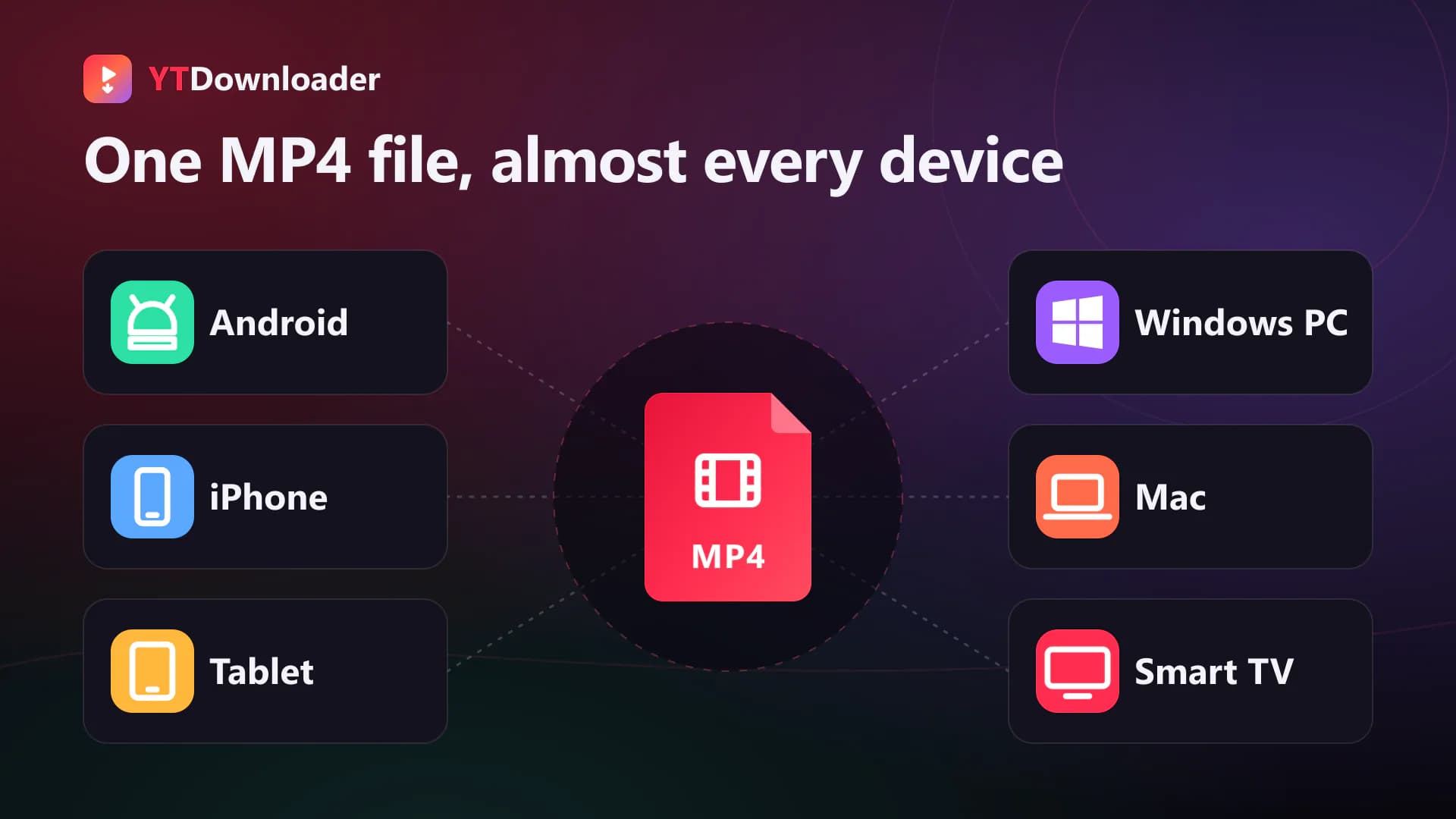
YouTube to MP4 is an online tool that allows you to convert YouTube videos into MP4 for offline viewing. It's a widely supported format across Android, iPhone, Windows PC, Mac, tablets, and smart TVs. You can save high quality media into HD, Full HD, 4K, and different resolutions.
Paste a video link to download it as an MP4 with sound, up to 1080p.
MP4 1080p
Quality
With sound
Audio
Free
No signup
Browser
No app
01
Moreover, it features convenient offline viewing, device compatibility, and easy file storage. It's a secure, fast, and user- friendly online tool where users typically paste the video URL, select their video quality and format, and tap the download button to save successfully.
What Does YouTube MP4 Converter Do?
02
MP4 is a flexible file format that works smoothly almost on all devices such as Android, iPhones, Windows PCs, Mac computers, tablets, and smart TV. If you want to save YouTube videos into MP4 then you're in the right place. YouTube to MP4 Converter is a secure online tool for saving your favorite YT videos to MP4. It's an easy to use platform that ensures convenient offline viewing with reliable download options. It features fast conversion, HD video quality, multiple resolutions, mobile compatibility, browser-based access without software installation or Login.
Why Convert YouTube to MP4?
03
YouTube doesn't allow users to save media into their local storage for offline access. If you want to surpass these limits and save on-demand YouTube videos into MP4. Our YouTube to MP4 Converter is an excellent choice for you. It helps to save media from YT to your local storage in MP4, making it easier to store, play, and use offline. Let's discuss some of its main benefits.
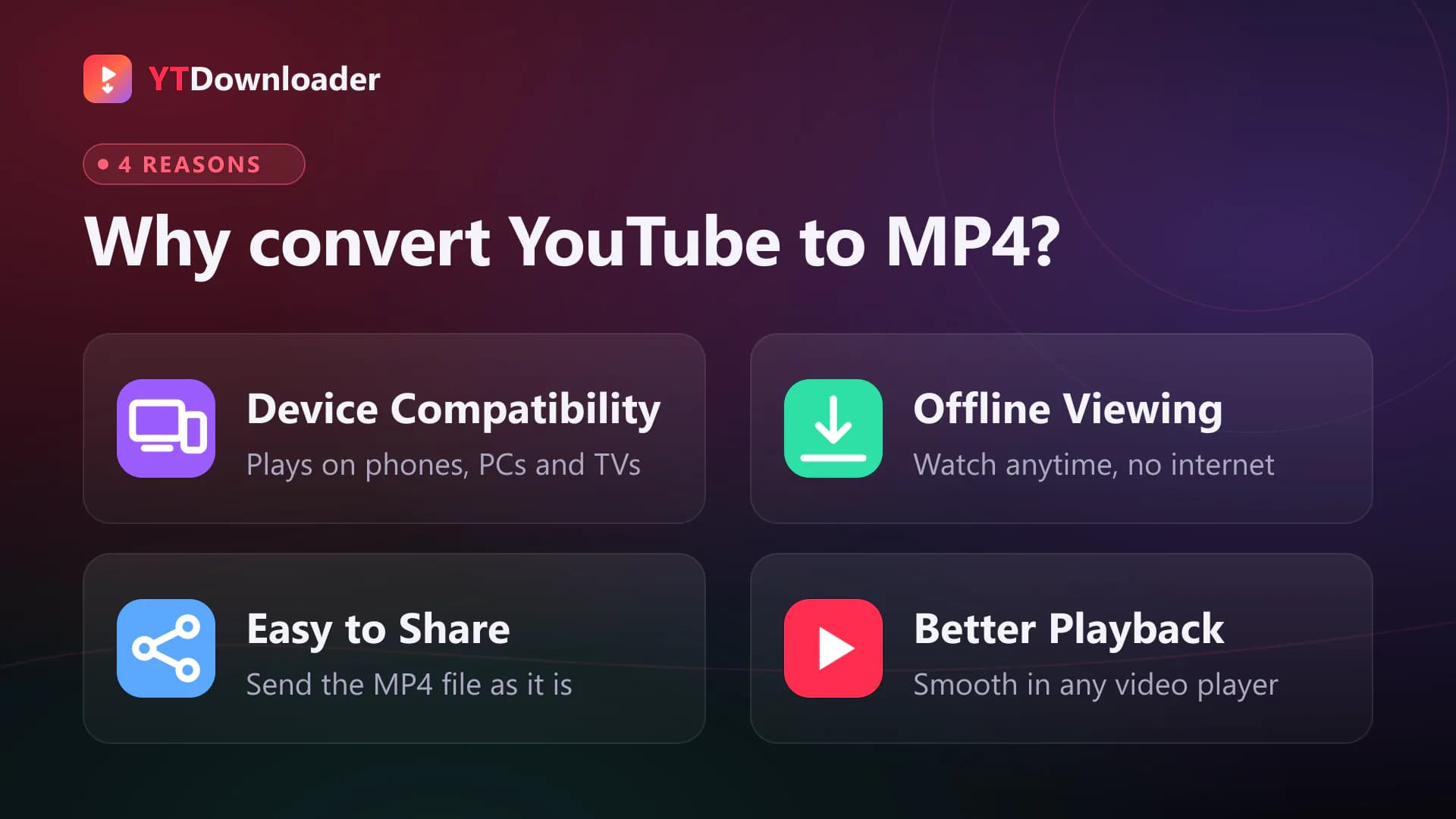
Device Compatibility:It's almost supported by all devices such as Android, iPhone, Windows, Mac, tablets, smart TVs, and many media players.
Offline Viewing:Unlike before, you can save on-demand YT videos into your device to access anytime even without internet.
Easy to Share:It's easy to share an MP4 file in its original quality without compression.
Better Playback:You can play it anytime on your device, editing apps, and video players with smooth playback.
Benefits of YouTube to MP4 Converter
04
YouTube to MP4 Converter comes with tons of exciting features for reliable user experiences. Let's discuss some of its main advantages.
01
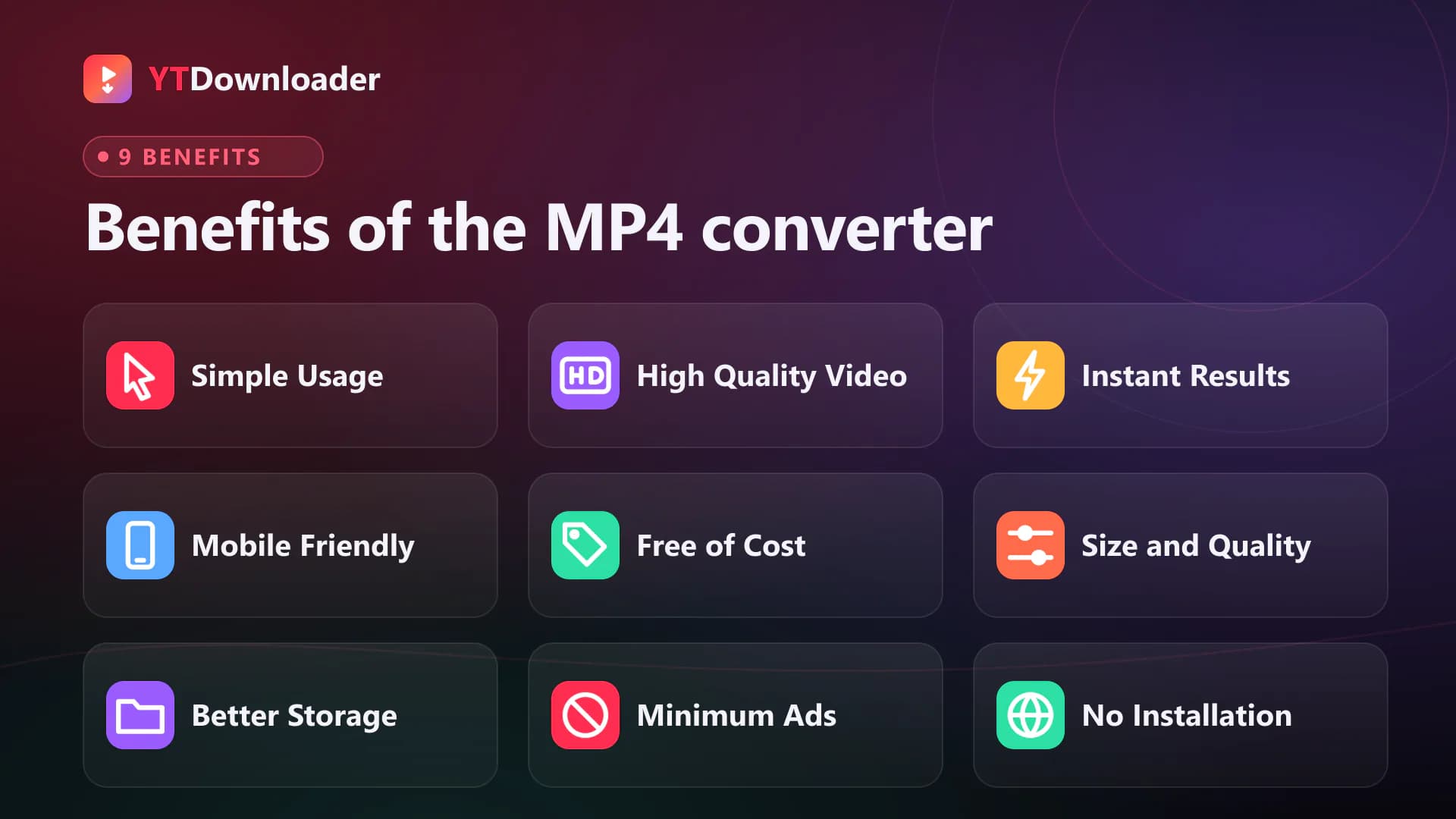
Simple Usage
↗
It has made video conversion convenient for all. It's friendly UI comes with a visible input box and accessible download button. You just need to paste the video link into the tool. It will proceed with the link and help you to download media in desired quality or format at fingertips.
02
High Quality Video
↗
This superb tool allows you to save videos into their original quality. YouTube doesn't allow you to share or download high quality videos. Due to limits, you can't save media in its original quality. Here you can save media in 360p, 480p, 720p, 1080p Full HD, or 4K for seamless fun.
03
Instant Results
↗
It doesn't take too much time to convert YouTube media into MP4 or MP3. You just need to paste a link and tap to convert. The tool will proceed and save media within seconds directly into your local storage.
04
Mobile Friendly
↗
YouTube MP4 downloader features a mobile friendly layout. Its flexibility automatically adapts smartphones, iPhones, and tablets. You can navigate through its responsive interface to convert and save whatever you want at fingertips.
05
Free of Cost
↗
It's totally free of cost for worldwide users. You can access it through your browser for unlimited conversions without paying a single penny. It operates for free and ensures hassle-free experiences among all.
06
Balanced Size and Quality
↗
MP3 Converter comes with various file size and quality, allowing you to personalize media before saving. You can choose low or high quality media with different file sizes to save according to your preferences.
07
Better Storage
↗
MP4 is highly recognizable storage across multiple devices and applications. You can store it easily and share with friends or USB drives, cloud storage, local file sharing, messaging applications without restrictions.
08
Minimum Ads
↗
Unlike third-party apps or local tools, it comes with minimum ads. No more disturbance or hassle of viewing intrusive ads before saving media. You can save unlimited content for free on our YouTube to MP4 converter without pop-ups or hidden redirects.
09
No Installation
↗
YouTube to MP4 Converter doesn't require any software or additional apps. It's a web-based tool that works through browsers. You can search for it on Google chrome, visit an authorized site, inpURL your media link to download successfully.
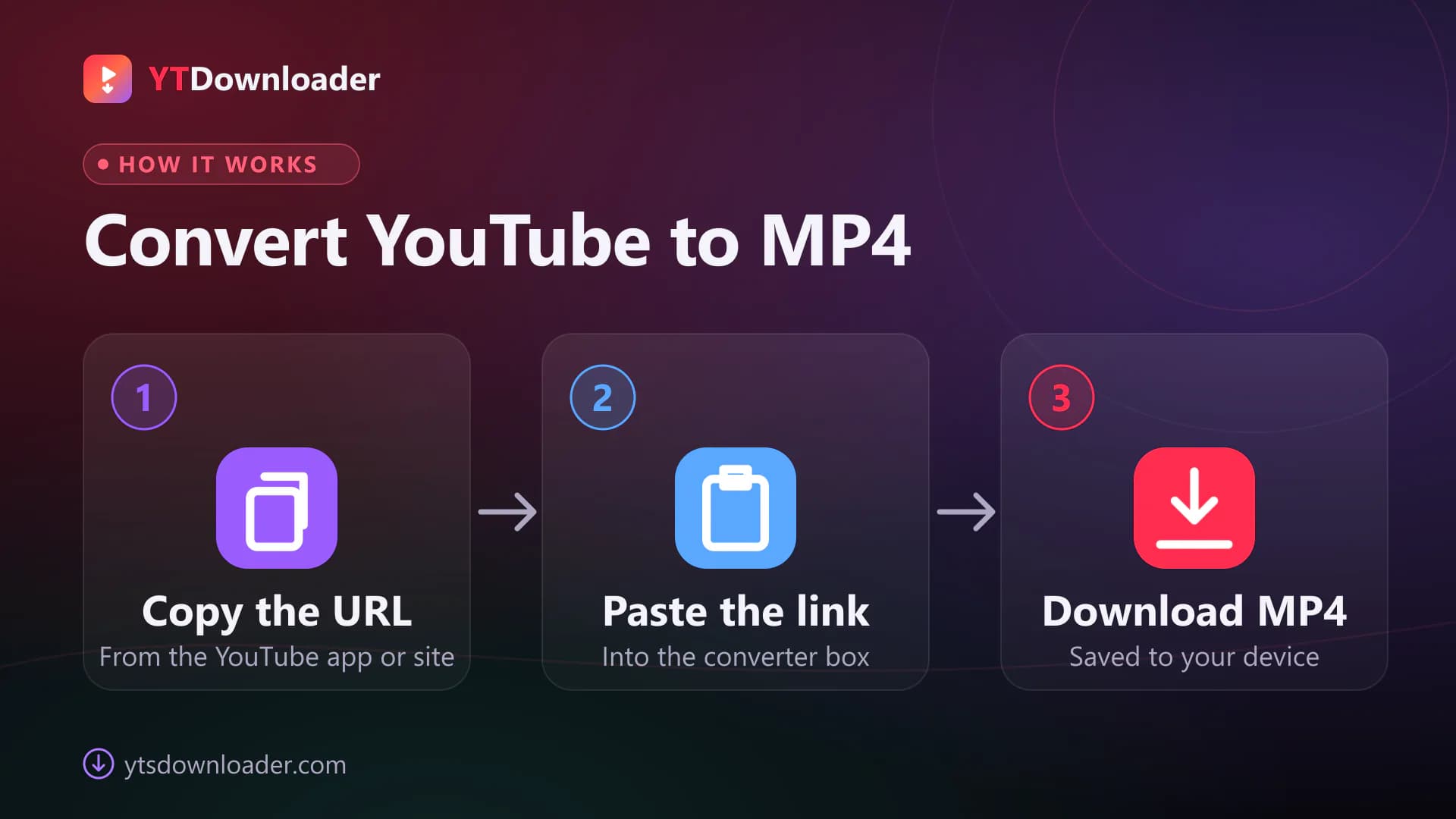
How to Convert YouTube to MP4?
05
1
Open YouTube on your device and copy the URL of the desired video.
2
Visit your browser and open an authorized “YouTube to MP4 Converter”.
3
Paste the URL into the tool.
4
Choose between on-demand quality and format.
5
Hit the download button to save the video successfully.
How to Convert YouTube to MP3?
1
Copy the video URL.
2
Open your browser and search for a reputable “YouTube to MP3 Converter”.
3
Paste the video link into the tool.
4
Choose MP3 as your file format.
5
Select desired quality and tap the download button.
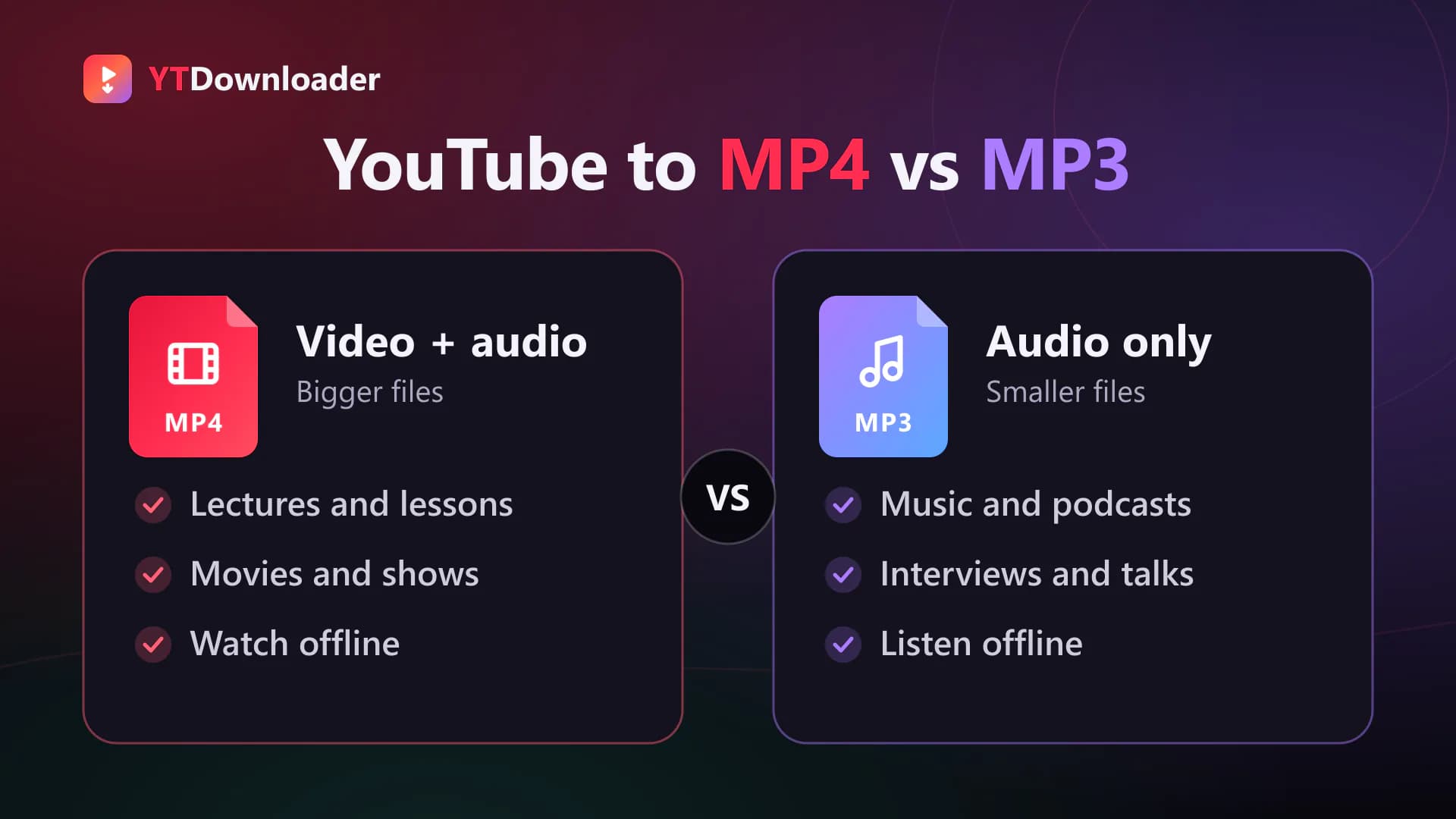
YouTube to MP4 VS YouTube to MP3 Converter
07
The MP4 Converter helps you to save YouTube videos into MP4 format containing both audio and video. You can save lectures, educational videos, movies, shows, and whatever you want to stream offline.
On the other hand, YouTube to MP3 Converter turns video into audio. It's comparatively small in size and supported across multiple devices. You can save music, podcasts, lectures, interviews, and other content in MP3 to listen offline for free.
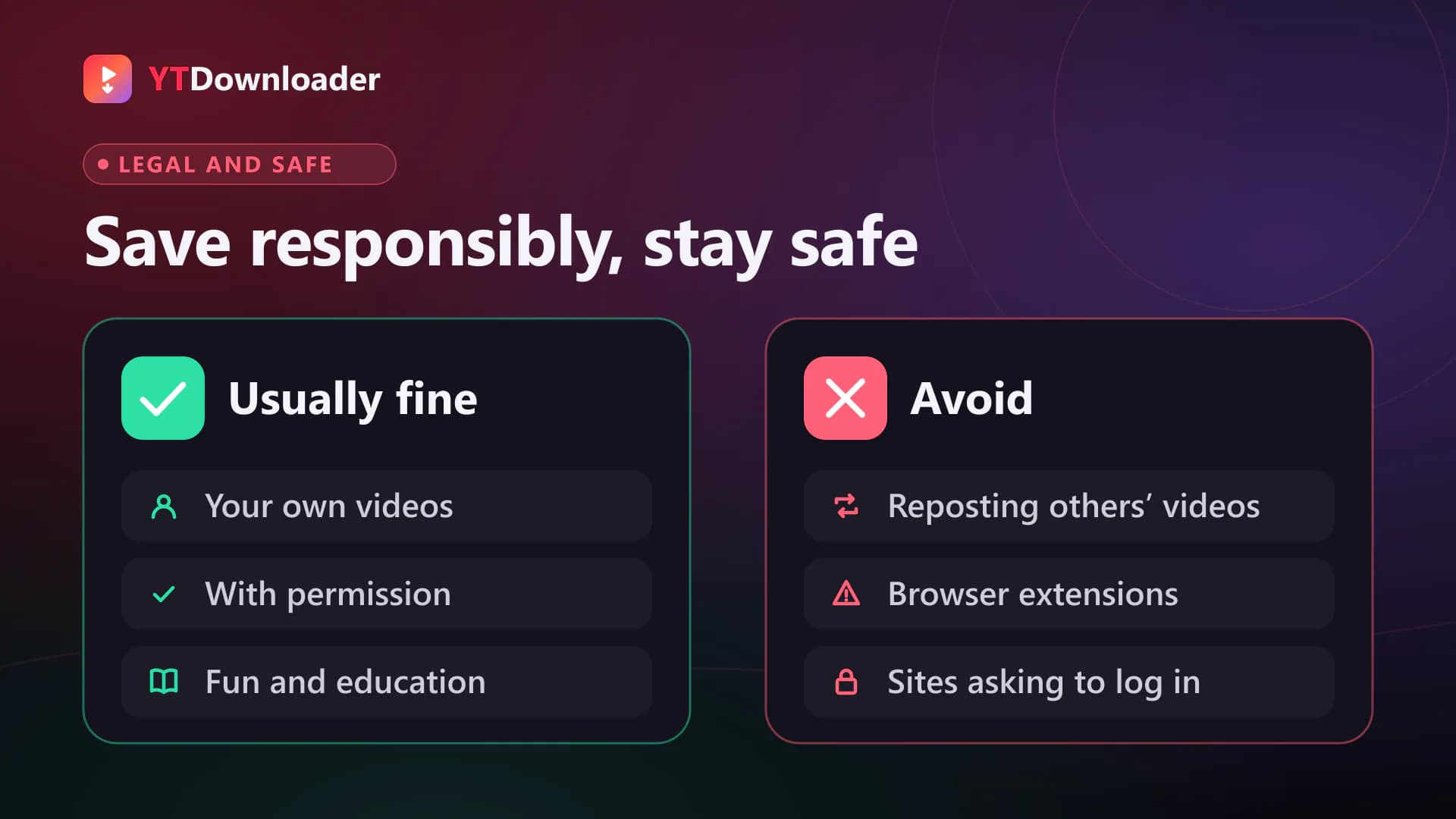
Is it legal and safe to convert YouTube Videos to MP4?
08
The legality varies according to the copyright perspectives and applicable laws in your country. Besides this, it depends upon how you use the video. It's completely fine to save videos from a personal account or only if you have permission to download for fun and educational purposes. Otherwise saving others content without permission to repost may not be considered legal.
You should always prefer trusted tools like this secure webpage to prevent any malware or issues. Never install browser extensions or third-party apps. You can continue saving or converting unlimited videos safely from our site without providing personal details. Unlike local tools, it's completely free of pop-ups, redirects, fake download buttons, suspicious files and ensure reliable experiences.
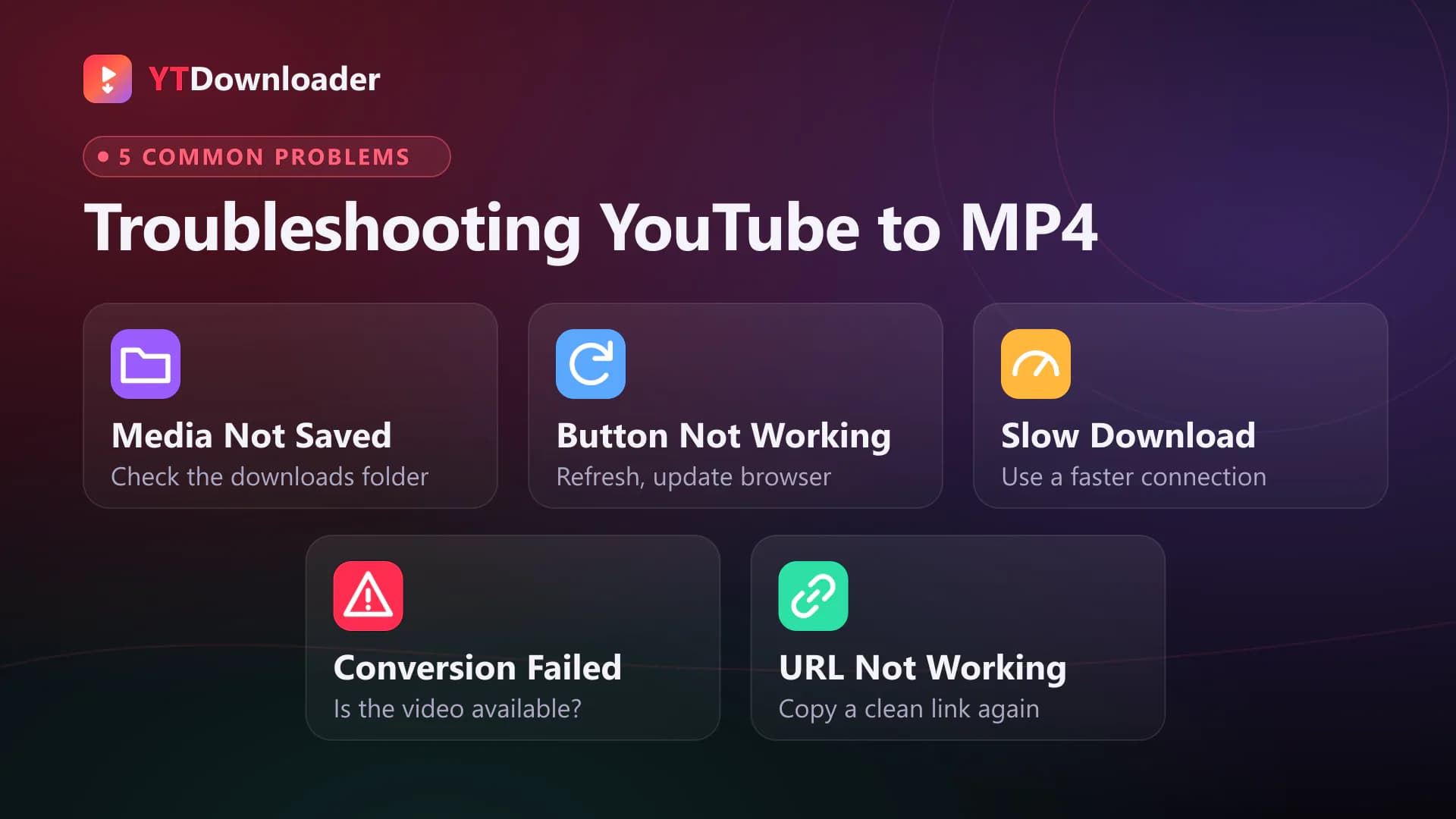
Common Problems and Troubleshooting While Using YouTube to MP4
09
Sometimes you may face issues while saving videos on YouTube to MP4 Video Converter. Let's discuss some of its common issues and their quick solutions.
Problem: Media Not Saved
Solution
Sometimes the file doesn't appear in the phone's gallery, try to locate the file into your default download folder.
Redownload media and choose the file location before saving.
Clear caches or try fixing your connection problems for better results.
Keep your browser up-to-date.
Problem: Slow Download
Solution
Lower the video quality to increase the download speed.
Connect your phone with a fast internet connection for better experiences.
Problem: Conversion Failed
Solution
Always make sure that the video is available on YT.
Refresh the page and try converting it again into desired format.
Problem: URL Not Working
Solution
Always copy the valid URL from the official YouTube app.
Remove unwanted spaces from the URL.
Copy Link again and paste link into the input box for better results.
Conclusion
It's an advanced tool that allows you to save YouTube videos into MP4 format. It's a free, secure and reliable option among YouTube enthusiasts who want to save videos into their local storage to access anytime at anyplace for offline viewing. Besides this, it's completely safe and ensures user friendly experiences without extra requirements. It follows a copy-paste method where you just need to input the media URL to save into desired format and quality.
FAQs
How to download youtube videos mp4 free tool 2025?+−
You can copy the video URL, paste into our website, choose MP4 file format and tap enter to save video in MP4.
Can YouTube to MP4 Converter Download 4K Videos?+−
Yes, if the original video is available in 4K quality, you can use it to save media in its original resolution.
Why is my YouTube MP4 download taking so long?+−
The video may take more time to save due to weak internet connection, large video size, high resolution, busy servers, browser problems, and more.
Can YouTube to MP4 Convert YouTube Shorts?+−
Yes, I can convert short and lengthy videos on it.
Why is my YouTube to MP4 Converter not working?+−
It may not work due to outdated browser, incorrect URL, network issues, stuck caches, and other problems. You can resolve these issues for better results.
Is youtube to mp4 converter free?+−
Yes, it's a free tool that operates through browsers without requiring any substance or hidden fees.
Can I convert YouTube to MP4 on MacOS?+−
Yes, you can convert YouTube videos to MP4 on Mac by visiting our website through your browser.
Does converting YouTube videos to MP4 reduce quality?+−
Yes, only if you're using a local or outdated tool. You can try our free online tool to save high quality media in its original quality.
What is youtube for mp4 players?+−
It means converting YouTube videos into MP4 format to play smoothly on supported devices.
Can I save YouTube videos in MP4 format for offline viewing?+−
Yes, you can use this free tool to save unlimited content from YouTube in MP4 or MP3 format for free.
Do I need to login my account on YouTube to MP4 Converter?+−
No, you don't need to input personal details or register an account before using this tool. You can visit it through your browser for unlimited usage.
Can I convert YouTube videos to MP3?+−
Yes, you can choose MP3 as an output format before conversion to save videos in audio.
Where do the files save?+−
The files are saved into your default download folder or your device gallery.
Can I convert YouTube videos to MP4 without installing an app?+−
Yes, you don't need to install it on your device. It operates directly through your browser for hassle-free user experiences.